

Deploying a PC-based server can be a simple and logical solution for an IT company that is very limited in its equipment budget. But is it possible to ensure the protection, efficiency fault tolerance and scalability of such a system? Or is it better to give preference to the server? Let's find out which is the best option.
Short information about pc
Technically, a PC can include not only a laptop or desktop but also smartphones, tablets, and even smartwatches. All these devices are united by the ability to perform a variety of tasks, such as:
- Internet access;
- Performing calculations;
- Using technology as a workstation;
- Creating multimedia.
For each individual user, the PC can be configured for specific tasks. To ensure that a computer can efficiently cope with its designated functions, it may be easier and more cost-effective to equip it with a dual-core processor and a large, reliable HDD.
What is a server

Servers are devices that are capable of running a variety of specialized applications and services, and supporting a large number of users simultaneously. Server hardware is maintained as needed and operates automatically, based on predefined settings. Management of the server can be performed remotely. This distinguishes servers from PCs, which often require more personal interaction for management.
The term 'server' encompasses both hardware servers (physical machines) and software servers.
Hardware server performs functions such as:
- Working with resource-intensive applications, for example, virtualization, programs for complex 3D modeling in BIM (Building Information Modeling), and platforms for web servers of large online stores;
- Solving complex specialized tasks such as planning commercial operations, managing data access distribution, automating management accounting, and storing databases;
- Supporting applications that cannot be run on the same computer due to version conflicts between programs.
Physical servers operate 24/7 to ensure the uninterrupted execution of critical business processes. This is another difference between physical servers and PCs. Server equipment is only shut down for repairs and upgrades.
Software server
A software server provides users with access to data or functions from other computers. This software includes both client and server components.
- The central element in this system is the server component, which is hosted on the hardware server.
- The client component, which is installed on user's computers, handles user requests.
Software servers allow:
- Restrict and customize the availability of certain data (for example, accounting or confidential information) for specific employees;
- Store all data in one place without duplication, accessing files on demand;
- Save money on physical PCs maintenance - make on the basis of the server remote desktops for users. Created by using the RDP (Remote Desktop Protocol) remote desktop performs all data calculations, processing and storage independently. Users on the other side see the results of this work.
The server software is:
- Backup systems. They can prevent data loss if the server suddenly crashes. Backups should be created automatically and regularly, allocating a separate secure server for their storage. Backup software includes Symantec Backup Exec, Veeam Backup, Windows Server Backup.
- Web servers. They receive and process customer requests, sending them responses. All sites work according to this scheme. Examples of such servers areсMicrosoft IIS, Nginx and Apache.
- DBMS (database management systems). With their help, information is stored in the database and retrieved from there at the request of the client computer. A DBMS consists of a user interface and various optimization tools. They prioritize problem solving and speed up data access. Classic DBMS are Oracle, MySQL, MS SQL, Redis, PostgreSQL, MongoDB.
Server benefits for business

A server is a more reliable and efficient option for achieving business goals. It best meets the fundamental needs of the business:
Consistency and availability of resources. Without systematic work, solutions can't yield benefits. It's much more efficient to create a single information space based on a server, where all data about the customer base, obligations, contracts, and prices will be available to all employees and company owners. This solution optimizes client work and increases the number of orders;
Cost reduction. Reducing costs by purchasing high-performance computers for employees would be ineffective. It's much more profitable to invest in a computing server for project processing or to create a server cluster – this will decrease the cost of each PC;
Fault tolerance of business processes. The system must continue to operate even if some of its elements fail due to an emergency. Using external hard drives for storing intermediate data is not a reliable option in such situations, as power supplies can fail. It's much more practical to use a server – in its architecture, components like data storage, power supply, or a hard drive can be replaced through a 'hot swap'. For safety, it's better to store, process, and place project backups on geographically distributed servers.
Servers can perform a variety of functions - most often they are:
- network service servers;
- Internet gateways with network protection against hacks, viruses and other external threats;
- domain controllers;
- web servers;
- file - for storing working files and exchanging them;
- postal - to create your own enterprise postal service;
- database servers - to create databases and manage them;
- elements of video surveillance systems;
- remote access servers for employees working remotely.
Thus, installing its own server gives the company advantages such as:
- development of a common printing system or IP-telephony;
- connecting employees to the working network from any account or remotely;
- quickly creating and structuring data with round-the-clock access for employees.
Server datasheet
Server use is designed for efficient and uninterrupted operation. Therefore, its main characteristics include stability, scalability, power, and fault tolerance.
| Element | Description |
| Case |
2-3 power supplies are embedded into the server case to support operation when one PSU fails. Adding or replacing PSUs and drives can be completed without turning off the server - special sleds are provided in the case for this. The cooling system includes several rows of hot-swappable fans. The PC case is equipped with one or two fans. |
|---|---|
| CPU - central processing unit | The processor is capable to support up to several terabytes of RAM, has a large cache and accelerates computing operations. |
| RAM - random access memory |
RAM has error-correcting code memory. The RAM module in the server is equipped with 9 chips. Supports RDIMM memory (register or buffered). Register memory significantly increases the capacity of RAM. |
| Motherboard |
The server motherboard provides up to 48 slots for RAM up to 1TB. There are many interfaces for connecting drives and support for multiple network cards. |
| Power supplies |
The server is equipped with two or more PSUs in case one of them stops working. There are several power sources, including uninterruptible power supplies. A “hot swap” is provided for the PSU. |
| Network cards |
2-4 connectors for connection Ethernet cables (standard) are available. Speed - from 1 Gbps. |
| Information storage |
RAID arrays perform the storage function so necessary information is available and working with it is fast and reliable. Information carriers are:
|
It is very important not to confuse hardware for servers and PCs, especially their software and server processors. Features of such processor's work include:
- It provides automatic software updates and real-time troubleshooting with the ECC system. This increases the server's stability against failures;
- It performs complex calculations while running resource-intensive apps or serving a large number of users. Data integrity is not affected;
- It ensures reliable storage and processing of significant amounts of data due to its increased cache.
Even if a regular computer is equipped with such a processor, it will not become a full-fledged server.
Practical situations
Consider the following scenario: a company needs to implement the QuickBooks system to comprehensively and automatically manage finances, purchases, sales, and inventory. What would be the optimal server base for this system - a standard PC or specialized server hardware?
Theoretically, it is possible to deploy QuickBooks based on a PC, which would save the company money. However, PC hardware is not designed for server functionality, and this could lead to serious issues:
- The system will require modification if the company's staff grows, and PCs typically do not support more than 128 GB of RAM;
- Intermittent operation of the PC's power supply can lead to expensive downtime;
- In case of a hard drive failure, restoring all reports, including tax-related ones, would pose a significant challenge.
At the end let's list the advantages of a server over a PC:
- Servers are equipped with multiple processors that have a large cache, making their operation more efficient. In contrast, a PC typically has only one processor;
- Servers allow for the creation of a reliable, centralized information storage system, whereas PCs typically house their data storage systems across different, unrelated machines;
- Servers have embedded mirrored drives, facilitating easy data recovery in case one of the drives fails. Computers lack this system, leading to permanent data loss in the event of drive failure;
- Software can be easily replaced or updated during server maintenance, unlike with computers that require separate servicing.
Thus, a server is highly specialized equipment designed to solve commercial and IT problems. Unlike PCs, servers are fully equipped to offer increased fault tolerance, redundancy, maximum power, hot plugging, and critical replacements.
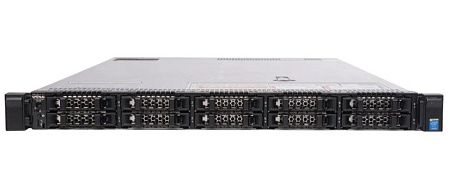
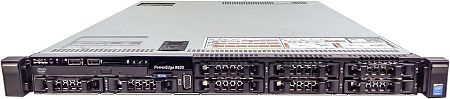
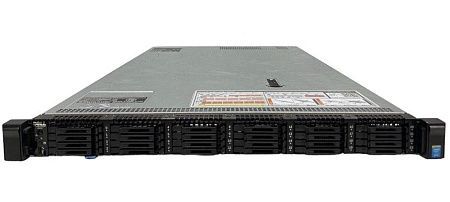
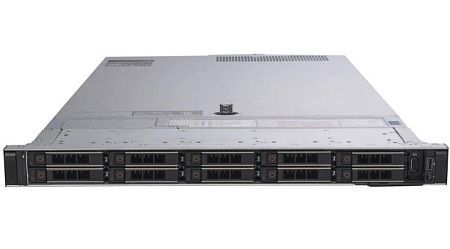
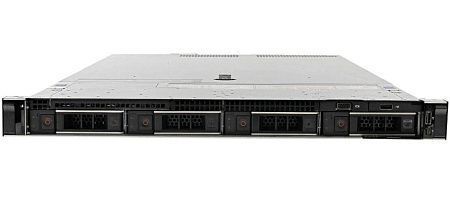
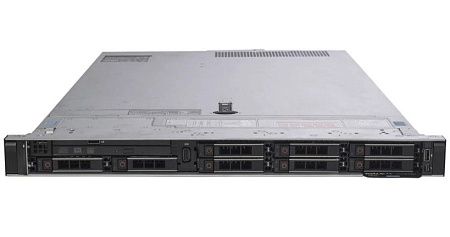
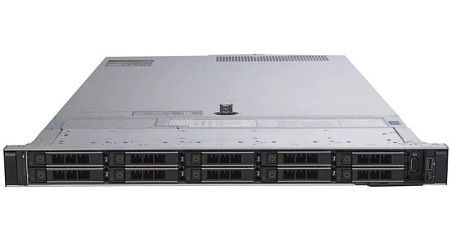
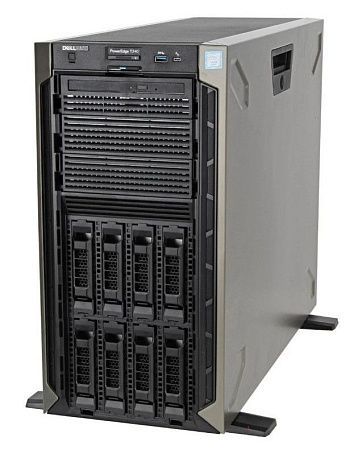
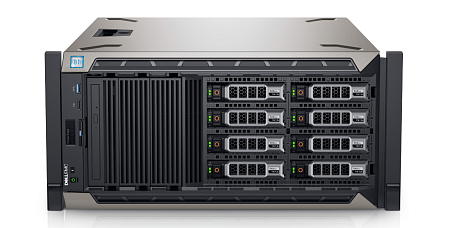
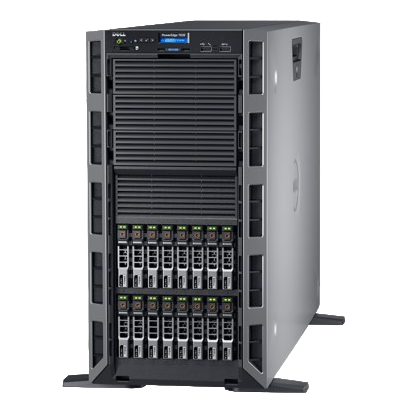
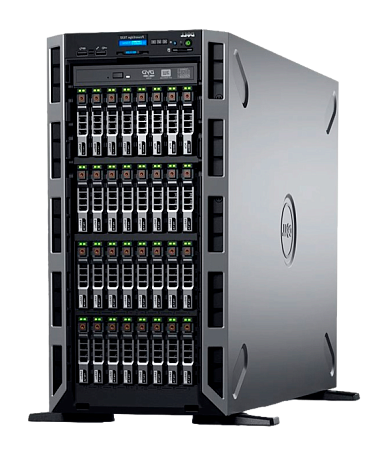
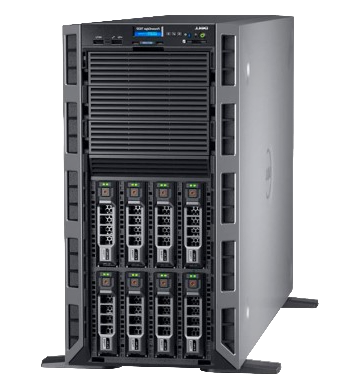
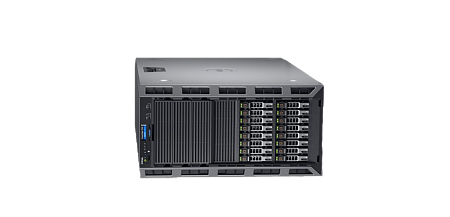
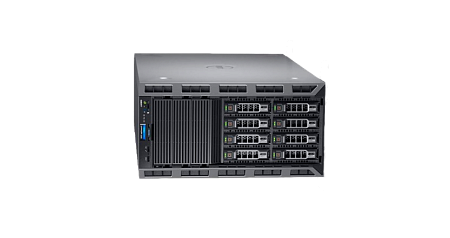
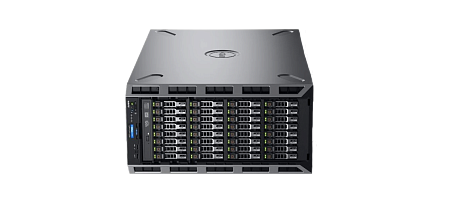
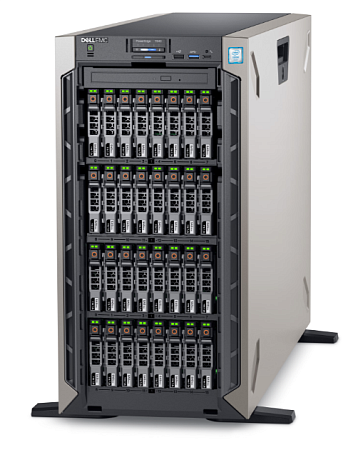
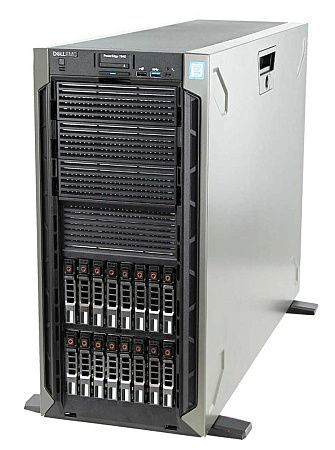
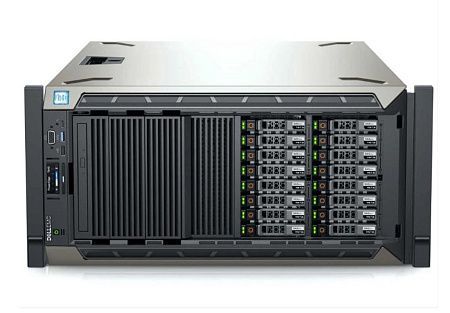
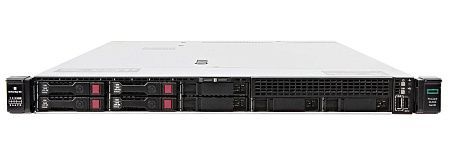
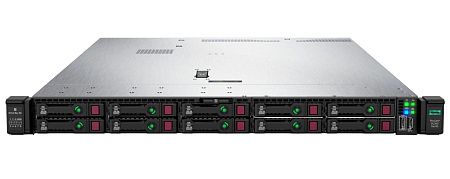
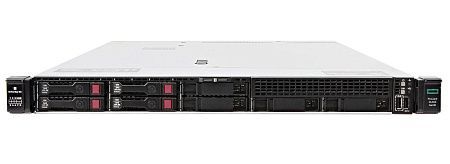
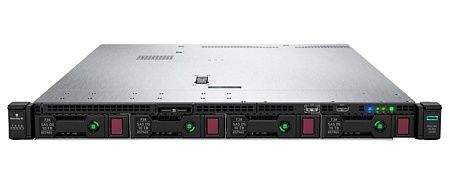
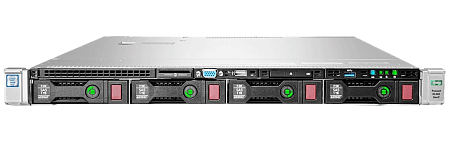
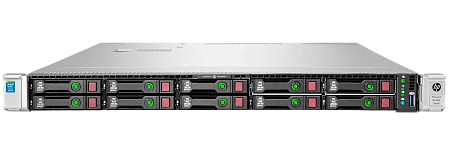
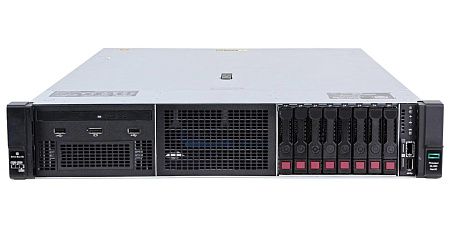
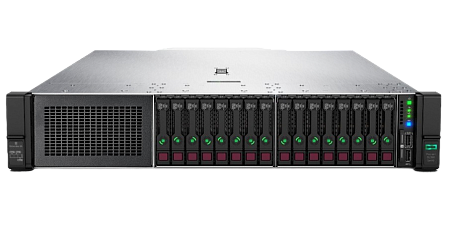
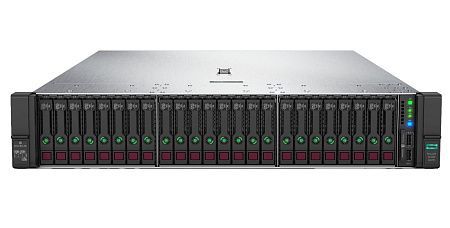
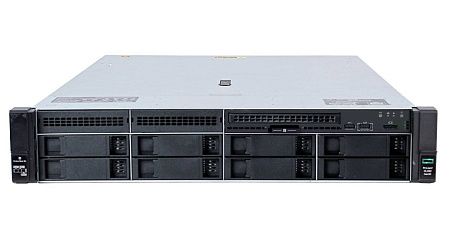
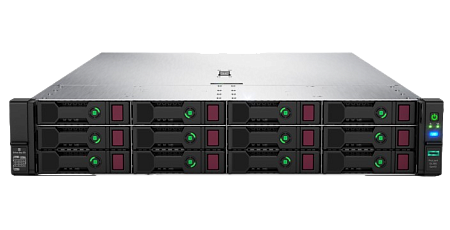
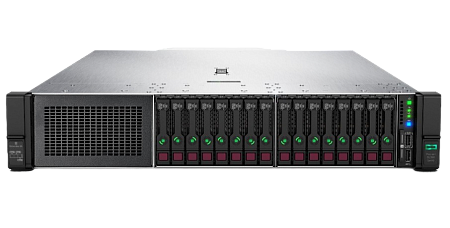
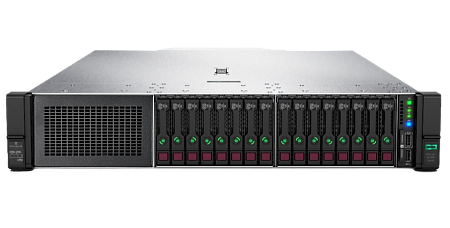
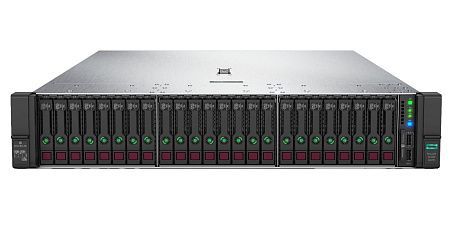
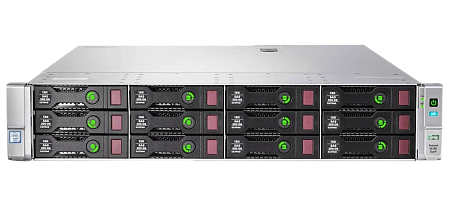
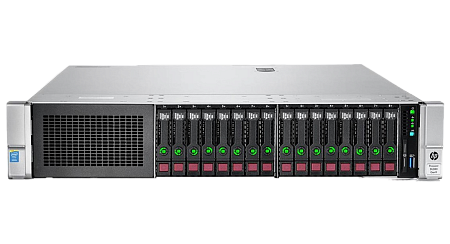
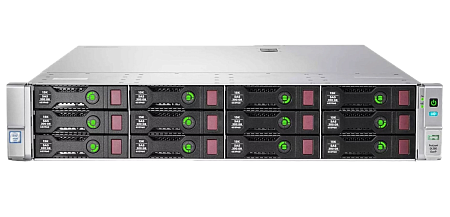
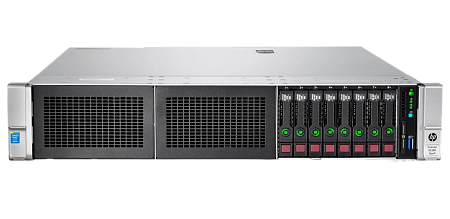
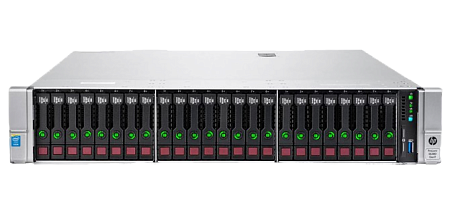
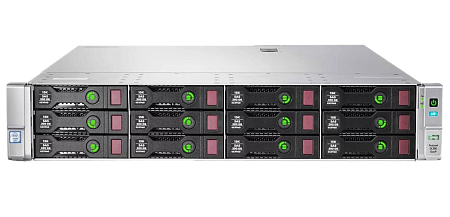
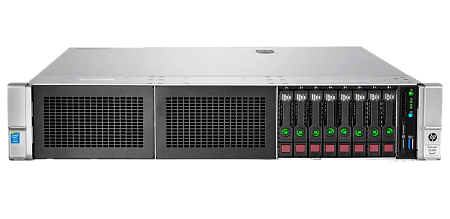
Specialists of our company are ready to help you purchase the server and select the necessary server configuration for any required task.


