

File stream – reading, editing and exchanging files located in a common database. The formation and processing of this flow is a part of many organizations' work. The file server is a high-quality and reliable equipment when working with a significant amount of file stream.
File server meaning
A file server is a part of equipment that is primarily used to store large amounts of various digital information. This information consists of:
- ordered databases,
- archival copies of data,
- data required for installation and using applications,
- files of various applications, as well as specialized programs,
- videos, sound files and different images.
A specially designed network infrastructure of the company provides employees with access to all necessary documents in the file server. Access to this infrastructure can be carried out through a local network or the Internet, using a mobile device, work computer or laptop.
File server advantages:
- Using antivirus software and firewalls allows to ensure reliable security and guaranteed confidentiality of information which is a trade secret.
- Structuring and accounting for enterprise resources are quite simple.
- The ability to work remotely with documents.
file server has another advantageous feature – you can upload all information that is not currently required to the server (with the ability to use it again if necessary). This will save space on the drives of working machines.
File server selection. Best file server for business
The size and structure of companies determine the choice of the best file server. It means that:
Small business. There is an opinion that it is reasonable to use a regular PC that has access to file storage via the Internet or via a local network as a file server. The risk of this choice is that such an architecture is not designed to work with large amounts of data and may not withstand the work of several users at once. A file server can handle scaling processes better as well as performing necessary current tasks.
Medium and large organizations. In this case, it is better to use specialized file servers that are able to withstand a large amount of data. Main features – high-performance network cards, an ability to create RAID arrays. Quickly cope with assigned tasks will allow a combination of SAS + NVMe interfaces. SSD is recommended for data storage.
Large corporations and holdings. Capacious clusters would be the best choice here. They consist of a combination of file servers on multiple machines capable of exchanging files quickly. Moreover, NAS file servers allow you to organize data storage additionally in the cloud. The embedded OS provides an additional function of media streaming.
Organization of structures work with files
Options for organizing this process:
- Application of a complex turnkey solution – facilities with pre-installed system and configured service data saving requires only debugging for the business features for the upcoming work. This option has one defect – settings pre-installed by the developer have the ability to limit the list of server capabilities.
- Providing a dedicated server used only for storing files. The server is operated as a "narrow profile" file server. This server has a special server OS. It is modified and configured by the admin.
- Creating a non-dedicated server (file storage has no pre-installed OS). Such servers perform various functions, both basic and additional (centralized application launch, organizing sharing network access).
And don't forget about NAS file servers, which have a large list of functions compared to a simple external hard drive (for example, embedded media streaming). NAS servers also perform virtualization and file backup functions.
The most common software solutions are:
- Standard Windows OS tools as well as Synology, FreeNAS (for remote access to documents of other users).
- Windows Server, Samba (for Linux or BSD controlled systems).
Recommendations for preparing a file server:
- Use antivirus systems;
- Form catalogs for each department (must contain appropriate rights and permissions);
- Use security protocols, firewall;
- Constantly update applications and OS;
- Approve access restriction levels (copying, recording, editing, reading);
- Set the amount of storage you need (maximum indicator);
- Define rules for the size of backups;
File access
There are several ways to access the necessary information on the file server. FTP (File Transfer Protocol) is most commonly used for this purpose. FTP:
- Keeps file sharing under control and detects errors in this process;
- Gives access to information by login and password;
- Allows the user to access only the necessary information in the files;
- Passively managed connection parameters.
An FTP server, with all its advantages, is almost not protected from technical failures and DDoS attacks. Deploying a file server with a web interface using the HTTP protocol for data transfer will eliminate these problems. This app has next advantages:
- Data stored on the server are password protected from unauthorized entry;
- Convenience of working through any browser with files;
- The ability to upload information folders via HFS with automatic archiving for download;
- Uploading and downloading files through the same browser;
- The ability to customize the interface using a site template.
Other protocols may be used to access and work with files:
- WebDAV (Web Distributed Authoring and Versioning has an extensive list of functions);
- SFTP (Secure FTP, protected version of FTP);
- SCP protocol (Secure Copy).
File server architecture
Two types of disks can be applied in servers – SSD and HDD. HDD – capacious and reliable. SSDs are faster and less noisy. It is also possible to use SSD and HDD at the same.
Depending on the main purpose of applying the equipment, the file server interface is determined:
SAS SSDs speed up data reading and writing, which can reduce latency and organize hardware RAID.
SATA interface for SSD is a good choice for a small business. It allows to store large amounts of data in the public domain.
NVMe SSD provides maximum responsiveness for I/O systems. These options are usually used:
- in working with media files,
- when creating video analytics systems, etc.
Choosing RAID arrays
RAID 0 should be selected if data processing speed is in 1st place. Formation of RAID 1 is due to the need to improve protection. RAID 5 or 10 is the best option if both features described above (+ good recording speed) are required.
Which server to choose
Choosing a file server is carried out according to the following criteria:
- scaling options;
- volume and number of disk drives;
- disk subsystem efficiency;
- the ability to integrate with existing infrastructure;
- diagnostics;
- hot swap support;
- network interface type;
- installation of more powerful processors, slots for RAM and expansion cards.
The choice of file server configuration also depends on the organization size:
- Small companies. Here you need a 2U platform with cages (supporting up to 16-20 SFF drives and up to 8-10 LFFs)
- Medium companies (40-50 workers). SAS or NVMe SSD capable device is required in this case.
- Large companies. It is recommended to form clusters of 100+ drives using SSD and NVMe SSD storage, as well as a debugged NAS storage interface. It also must have an array of HDD type SAS for backups and archives.
Features of required tasks and IT environment determine a choice of OS for a file server. The most popular option is Windows or UNIX. Synology and QNAP NAS solutions can also be a good choice.
For organizing file servers, the ideal options would be:
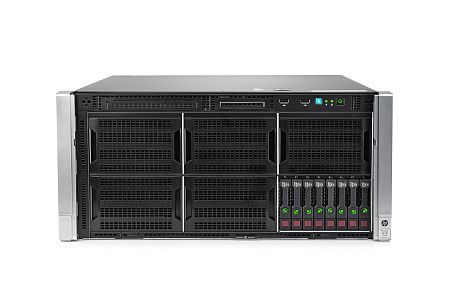
- HPE Apollo 4530 Gen9 (equipped with an HPE Smart Host Bus Adapter H240 RAID Controller (Raid: 0,1,5), has two Intel Xeon E5-2600v3 / v4 processors, with 16 DDR4 memory slots).
- DELL PowerEdge R720xd (supports up to 12 x 3.5" or up to 26 x 2.5" SAS/SATA, has two Intel Xeon E5-2600 v1/v2 processors, DDR3 RAM (1536 Gb)).
- HPE Proliant DL380 Gen9 (equipped with Intel Xeon E5-2600 v3/v4 generation processors, supports up to 12 x 3.5" or up to 26 x 2.5" SAS/SATA HDD).
Our specialists are ready to help you choose the necessary equipment for particular tasks of your business.
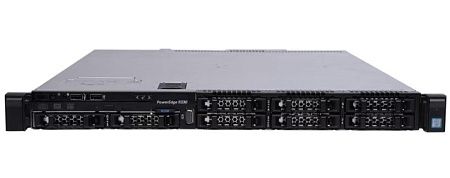
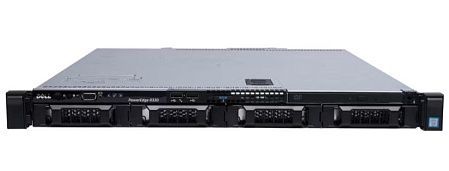
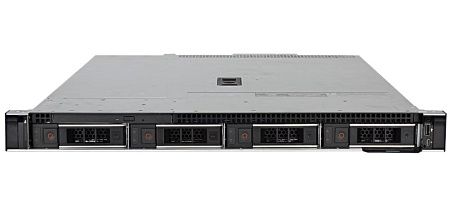
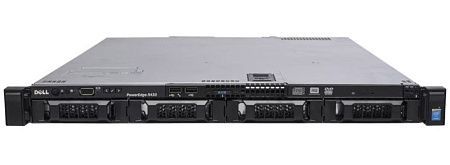
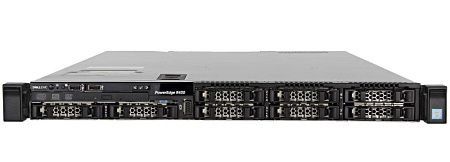
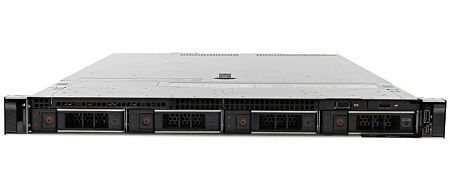
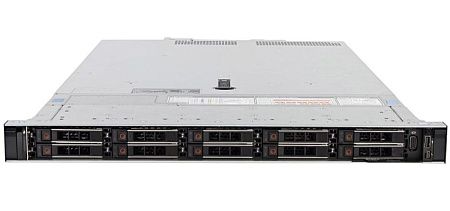
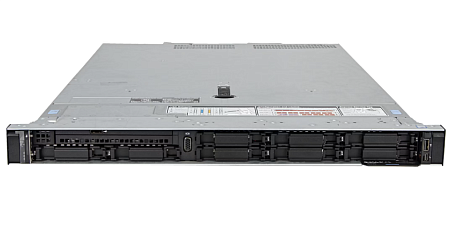
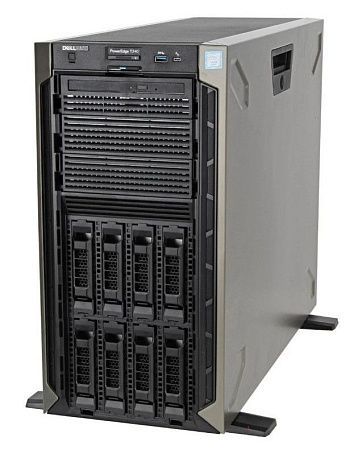
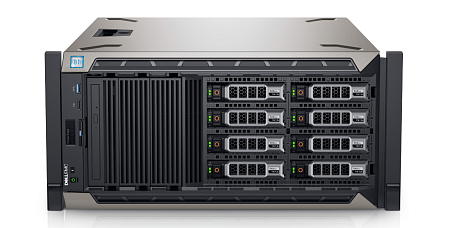
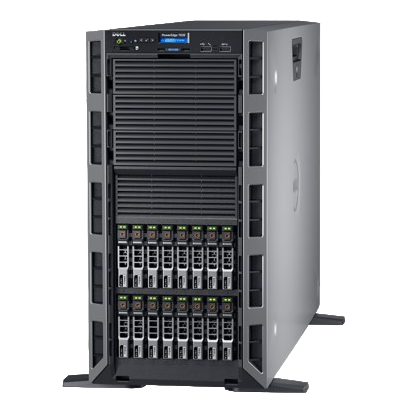
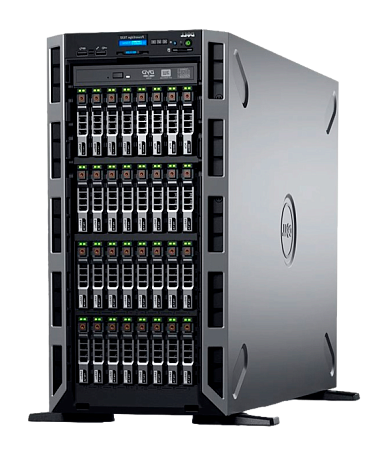
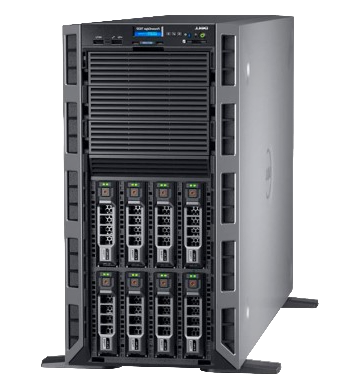
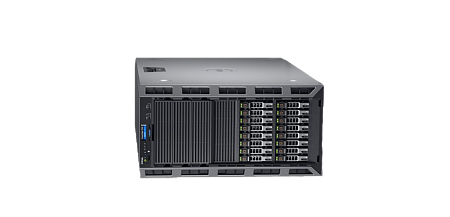
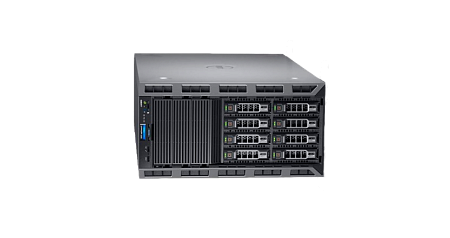
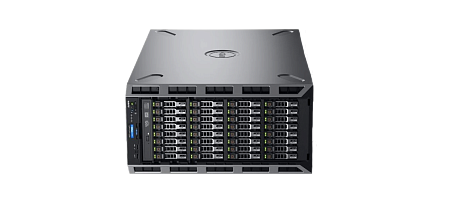
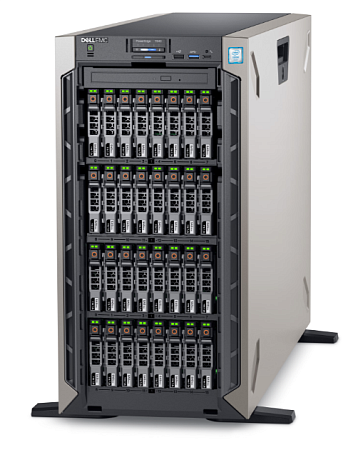
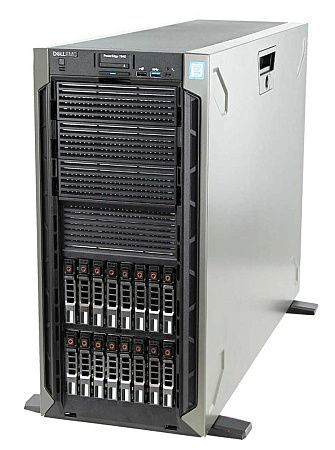
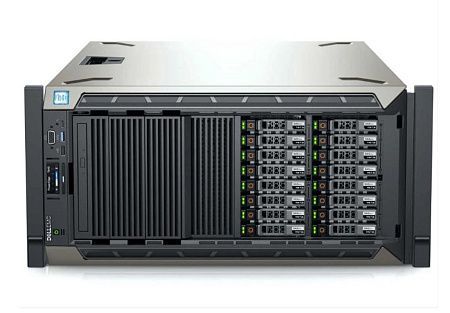
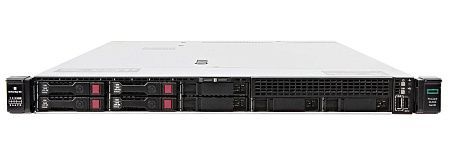
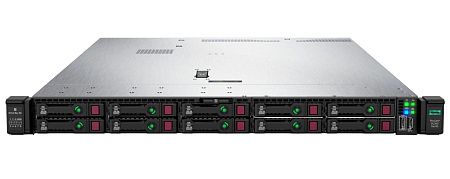
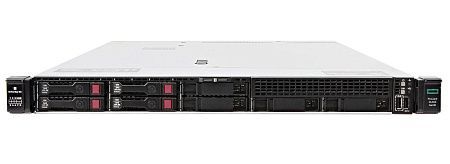
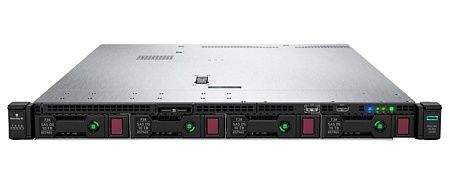
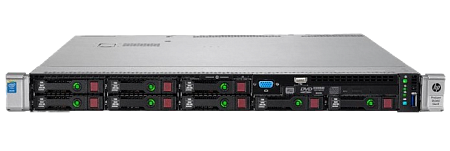
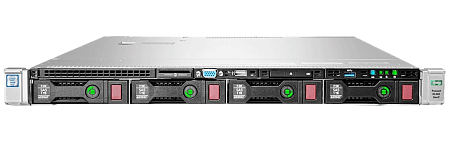
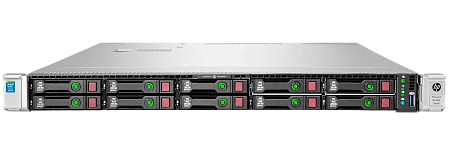
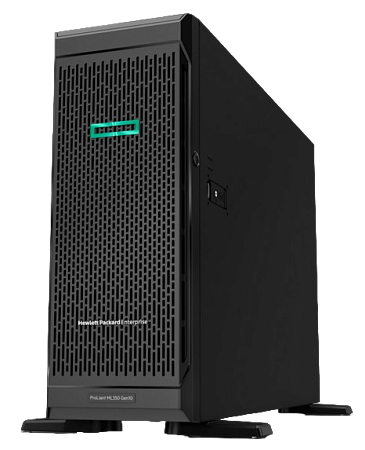
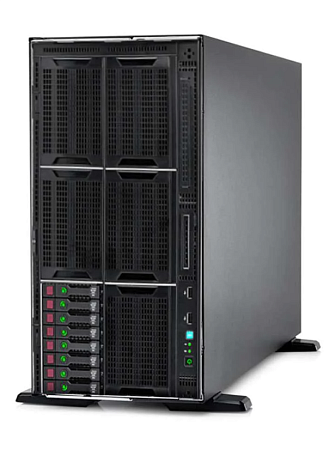
Specialists of our company are ready to help you purchase the server and select the necessary server configuration for any required task.


